
Dashcam films the front, back and gets you moving, literally

This article contains affiliate links. We may earn a small commission on items purchased through this article, but that does not affect our editorial judgement.
Time was it a dashcam took footage of the view in front of the driver and that was it. No frills, just doing what it said on the tin - a camera, on your dash. Simple.
But times have changed, and the dashcam driving experience can not only protect your interests after an accident, but also help in avoiding one. Such is the case of the Miofive S1 Ultra.
Having had a sole forward-facing dashcam for some time now I was looking for one with a rear window camera as part of the package - after all, accidents can happen from behind too as many of us will be fully aware of.
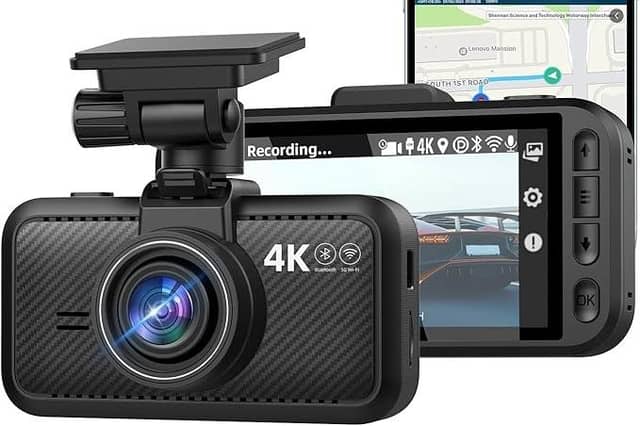
So I was really happy to test drive this, well I have to admit, basic-looking main unit reminiscent of the hand-held ones we used before we got cameras on our mobile phones - but nevertheless it really does what it says on the elegant box it comes in.
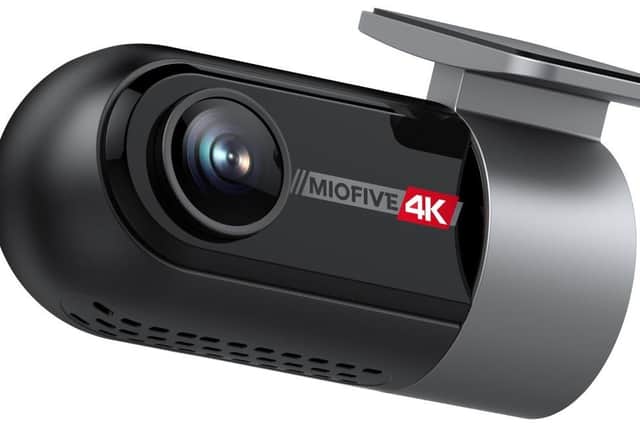
With 4k cameras front and rear the S1 Ultra delivers rich, crystal clear imagery, with enhanced night vision and integrated GPS.
So what's in the box? The package come with the S1 Ultra cam and its baby brother rear camera, a 3.5m USB type C to USB A car charging cable, a 6m rear cam cable, a USB C cigarette lighter charger and a small data cable.
For fitting and fixture purposes, the kit also includes durable 3M stickers and spares for each camera, electrostatic films to put on your glass first to aid easier later removal, a wiping cloth and a cable prying tool. A user manual completes the collection.
Obviously it's always worth testing the camera set-up prior to installation, and the S1 Ultra connects to your car's USB A ports if you have them, or via the charger which fits into your 12V cigarette lighter socket.
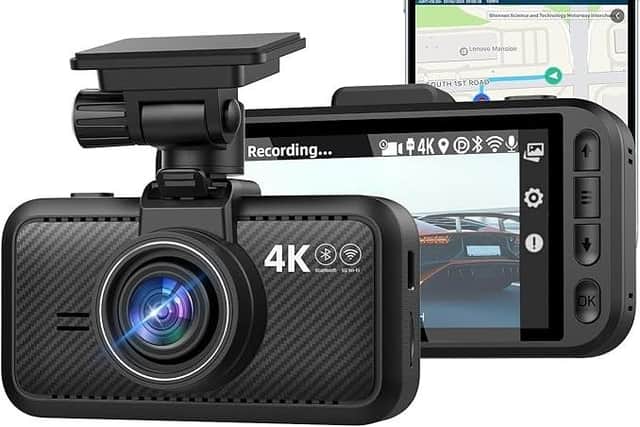
Both cameras should immediately burst into life when the ignition is turned on, and it's now a good time to get a rough idea of window placement to obtain the optimum view - though with a front 140° wide-angle 4K camera and rear 112° wide-angle 4K camera you don't necessarily need to be bang centre of each window should there be obstacles on your car, but it does look more aesthetically pleasing to do so if possible.
Re the rear camera, I tried to align mine to avoid the windscreen wiper part-covering the view in rain by going as far to the top of the window as possible.
Once you're happy with everything it's now time to fit, made extra easier by the included prying tool.
I fitted the main front camera down the passenger side of my car, gently tucking the cable under the headliner and the plastic trims on the A-pillar, under the glove box and finally gear lever trim to its power location.
I then fitted the rear camera cable under the driver's side headliner, particularly as this cable is even thicker than the other, and so would be far too much bulk to do both on the same side. Once fitted, both cameras are then adjustable to fine tune your field of view.
You're now good to go, but now's a good time to download the free Miofive app and your phone connects with the camera via Bluetooth for a seamless setup process. This will then allow you to download any footage you require by the handy included 64GB microSD card, though the camera supports memory cars of up to 512GB.
The 3-inch camera screen is automatically configured to show the main front view, with the rear view occupying the top left hand quarter of the screen - but you can change the settings to change this view. Whatever your choose to see on the screen, when your phone is connected you will see in the gallery section your front and rear footage alongside one another.
There are loads of settings you can change, too many to mention here, but the ones I definitely wanted to make UK-friendly were swapping the default km to miles, and the date format to days rather than months first. I also upped the medium voice volume to high, given you want to hear prompts over Radio 2 (other radio stations are available).
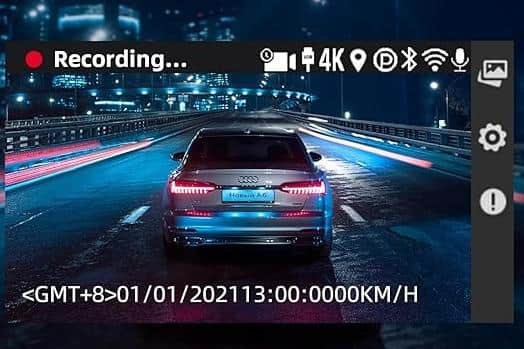
The S1 Ultra has some exciting extras too. The built-in GPS syncs automatically to the current time and records driving data including speed and driving coordinates, and the AI algorithms include a fatigue driving alarm, harsh driving alert and a stop and go reminder.
So if you've been driving a long time the camera will alert you to ensure you're not sleeping, and with the stop and go you'll be prompted to move on if the car in front moves off and you take too long! (we've all been there and been honked by the driver behind!)
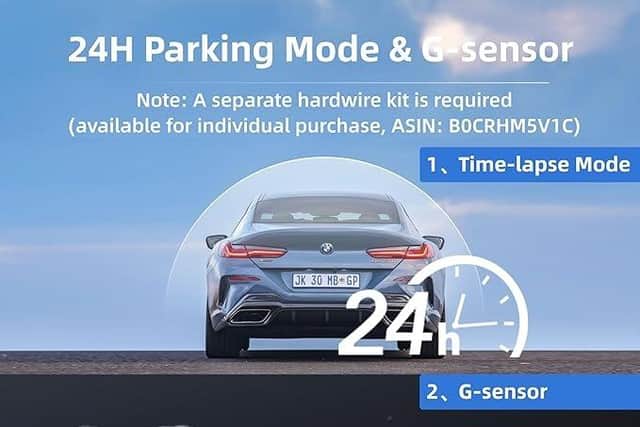
If you want your cameras to work when the ignition is not on, a hardwire kit can be bought separately and other extras come into play. Triggered by G-Sensor, the S1 Ultra offers various options for its custom-designed 24-hour parking mode, including 1fps timelapse video and collision detection.
I found the recordings both day and night very sharp and clearly made out other cars' reg plates though given the rear camera needs plenty of light at night you can the adjust the exposure settings if necessary.
Accessing footage is easy too by either connecting to the camera and its sd card via your phone's Bluetooth, or by old school methods of easily detaching the camera from its slide-in bracket and connecting to your laptop via the included small usb a to c cable.
An excellent 4k dual channel camera for the price of £129.99 usually, but currently there's 20% off on Amazon taking the price to £103.67.