
iPhone users urged to turn on this security feature immediately
iPhone users are being urged to turn on ‘Stolen Device Protection’ right now 📱
- iPhones have plenty of security features available to users.
- However, you may not know about ‘Stolen Device Protection’.
- It can be turned on in just three simple steps.
Millions of people around the world have iPhones in their pocket right now. Since the first generation of the smartphone released in 2007 it has remained one of the most popular devices around.
The most recent versions arrived in late 2024 in the form of the iPhone 16 range. No matter which model you own, you will want to make sure you take the proper steps to protect your device.
Refurbished tech expert Luis De Los Santos from Back Market emphasises that enabling the iPhone's built-in Stolen Device Protection is a proactive measure every iPhone user should take to safeguard their personal information and increase the chances of recovering their device. When your phone is stolen and Stolen Device Protection is activated, a Security Delay feature is triggered.
What does Stolen Device Protection do?
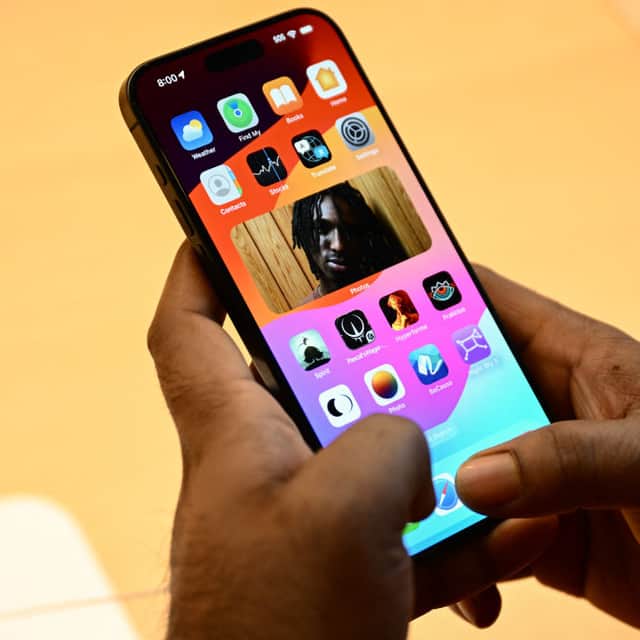

If the worst happens and you realise that your iPhone has been pinched, the added security measure could kick-in. It requires two successful biometric authentications (like Face ID or Touch ID) an hour apart.
This requirement only applies when accessing and making changes to critical settings. If authentication is unsuccessful, this also blocks attempts to change your passcode or Apple ID password.
How to turn Stolen Device Protection on?
iPhone users can turn on the security measure in just three simple steps. Firstly go to your settings and select Face ID & Passcode.
The second step is to enter your iPhone passcode when prompted. And for the third and final step, select ‘Stolen Device Protection’ and turn it on.
What are the benefits?
Stolen Device Protection also includes extra features such as ‘Familiar Locations’ which will enforce additional security steps when your iPhone is in unfamiliar locations. Familiar locations are typically your home, workplace, and other places where you frequently use your device.
You can also turn on the ‘Always On Option’ which will permanently require the additional security measures regardless of location. Luis said: “With the increasing frequency of smartphone thefts, it's essential for users to be aware of the security features available on their devices. The Stolen Device Protection feature is a game-changer, offering a robust defence against unauthorised access and aiding in the recovery process.”
Apple recommends turning this feature off before selling, trading, or gifting your iPhone. This is because keeping the feature enabled could potentially lock the new user out of the phone or Apple ID settings, causing frustration and complications during the initial setup.
Learn when the next Emergency Alert system test will take place as a message is set to be sent to millions. See what to expect when the text arrives on your phone.

If you’ve ever broken down and had no idea how to explain where you are, the AA app quietly fixes that. It can share your exact GPS location with a patrol so they know where to head without a long phone call. The rest of the app is straightforward, with traffic updates 🚦, fuel and charger info ⛽, and service reminders 🔧. Membership starts from £5.49 a month, though the exact price varies depending on your details.